How to use Sovereign Receiver: Create a QR Code and Receive BSVs
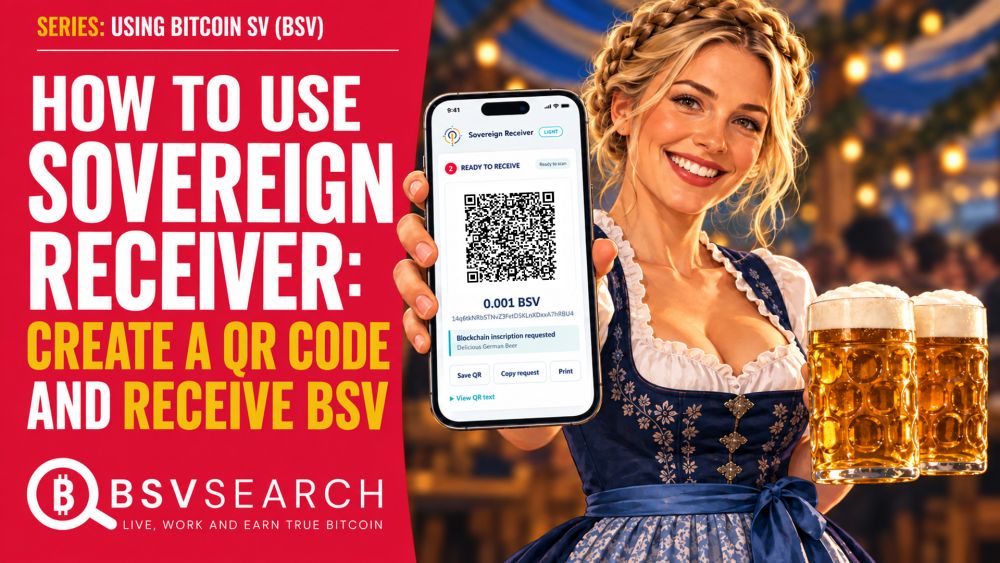
Your customer could be across the counter—or across the world. In this video, you’ll learn how to use Sovereign Receiver to create a Bitcoin SV (BSV) payment request, share it as a QR code, and check incoming payments. Whether you serve food, sell your expertise, work with remote clients, or create content online, this walkthrough shows how QR payment requests can fit into your everyday work. We’ll go through entering your BSV receiving address, choosing an amount, adding a payment note, and generating your QR code. You’ll see how to save, share, or print the request and check payment details. You can also leave the amount blank so the payer chooses how much to send—useful for tips and voluntary contributions. For restaurants, cafés, bars, caterers, food trucks, market traders, and hospitality businesses, a QR request can accompany a meal, a drinks order, or a service. Display it on your phone for a customer to scan, share it ahead of an event, or print it for your counter. Add an order reference or invoice number to give the payment request context. But you don’t have to be in the same room—or even the same country. Designers, developers, writers, translators, video editors, marketers, and virtual assistants can share payment requests with distant clients. Tutors, coaches, consultants, and remote technical-support providers can display a QR code during a video call. Send the QR image alongside an invoice or show it on screen: the other person can scan it from another device using a compatible BSV payment app, even from the other side of the world. YouTubers, streamers, podcasters, musicians, artists, and online educators can display QR requests in videos, livestreams, workshops, and virtual events to invite audience support. Sovereign Receiver is free to use and requires no account, with payments going to the BSV address you provide. Creating a QR request works offline; sending and checking payments require connectivity. We’ll also explore the option to request that Sovereign Pay include a payment note on the blockchain when the payer approves it. Follow along and create your first payment request. And if the beer in the thumbnail caught your attention, try scanning the QR code—there’s a little surprise waiting. 🍺 Enjoyed the walkthrough? Like, subscribe, and tell us how you’d use Sovereign Receiver: with customers at your counter, clients around the world, or your online audience. JUMP TO: 00:00 Introduction 01:23 Longevity and Independence of Sovereignty Tools 02:23 Where to find Sovereignty Tools and Sovereign Receiver 03:46 Languages that Sovereignty Tools have been translated to 04:41 Home Page and Refresher of Sovereignty Tools 05:30 Generate a BSV/public address and its private key with Sovereign Keys 08:30 Sovereign Reciever - Overview 09:28 Where Sovereign Receiver fits in Sovereignty Tools and its use/role 10:26 Sovereign Receiver - How it looks like, and what's on it 12:40 Sovereignty Receiver is free to use 12:55 Demo: Merchant/Seller/Receiver Filling out Receiving Address, Amount and Transaction Notes/Comments. 15:53 Demo: The Buyer/Payer uses Sovereign Pay to pay the invoice 21:34 Demo: How buyer and seller verifies payment status after payment is made 23:57 Demo: Looking over other details of transactions on Blockchain Explorer 25:07 Demo: Looking at the transaction cost (mining costs) of a transaction 26:29 Summary of steps TIP THIS VIDEO IN BSV: 14q6tkNRbSTNvZ3FetD5KLnXDxxA7hRBU4 #SovereignReceiver #BSV #BitcoinSV